Orientation Mapping#
Match a simulated template library against a 4D-STEM scan to map crystal orientation, with the best-fit template overlaid live on the pattern.
Follow along in the app
Every step below is also a live walkthrough inside SpyDE: Help → Orientation Mapping → Guided tour. The tour loads the same small tutorial dataset for you (no download), highlights each control as you go, and closes the example data again when you exit.
Steps#
1. What you’ll do#
Orientation mapping compares each diffraction pattern against a library of simulated templates (one per candidate crystal orientation) and keeps the best match. The result is an IPF map colouring every scan position by its crystal orientation.
Tip
A small tutorial scan (Tutorial Data → Orientation Mapping, Si grains) is loaded for you — no download needed.
2. Start from a diffraction pattern#
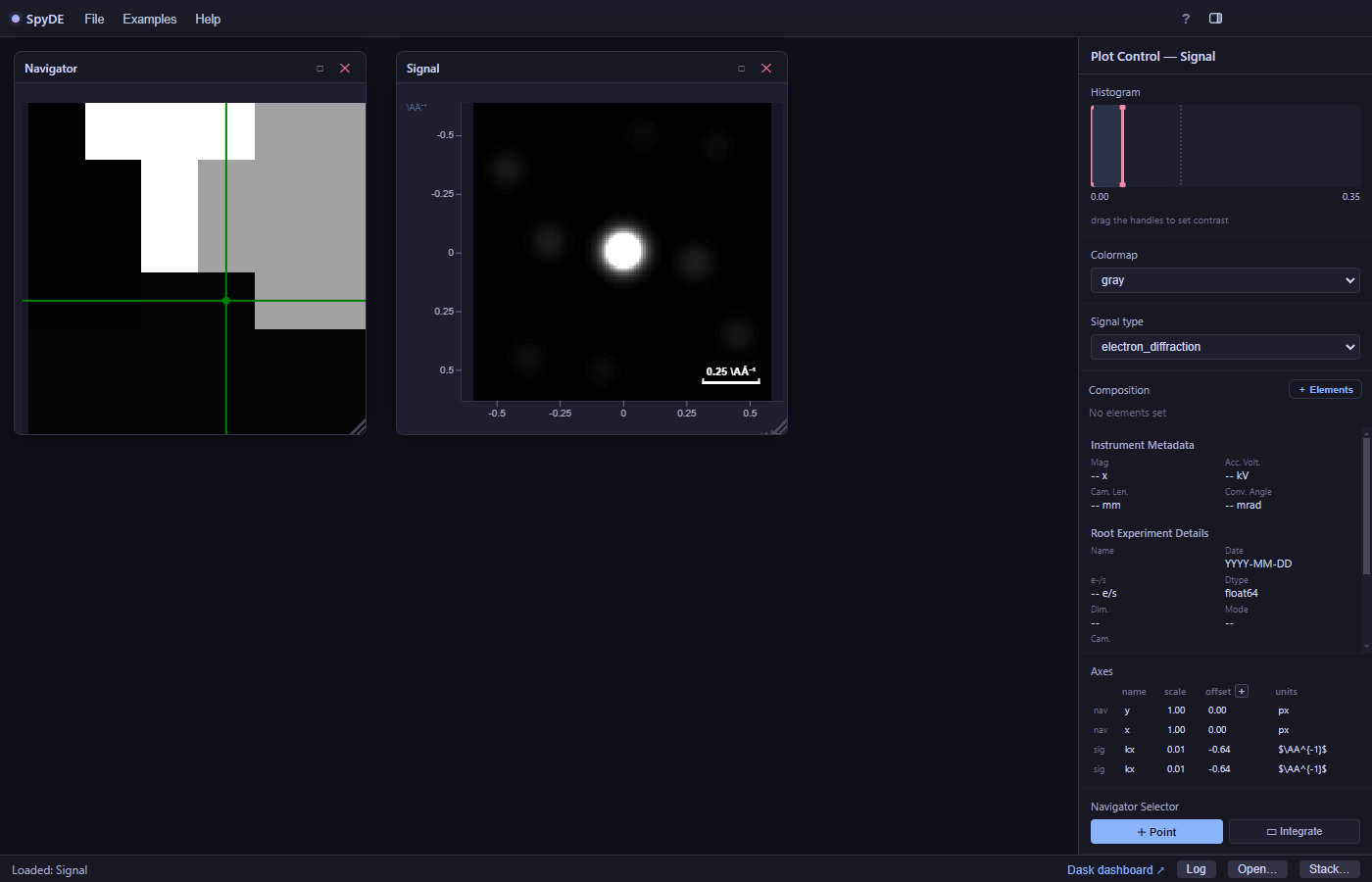
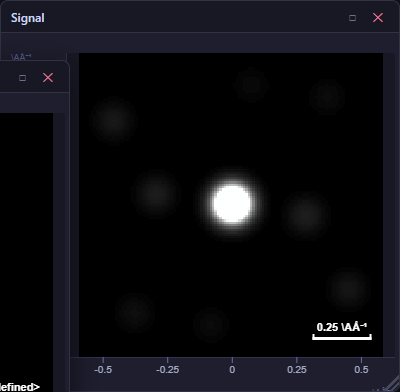
The signal window shows the pattern under the navigator crosshair. Orientation Mapping lives on this window’s toolbar.
3. The IPF orientation map#
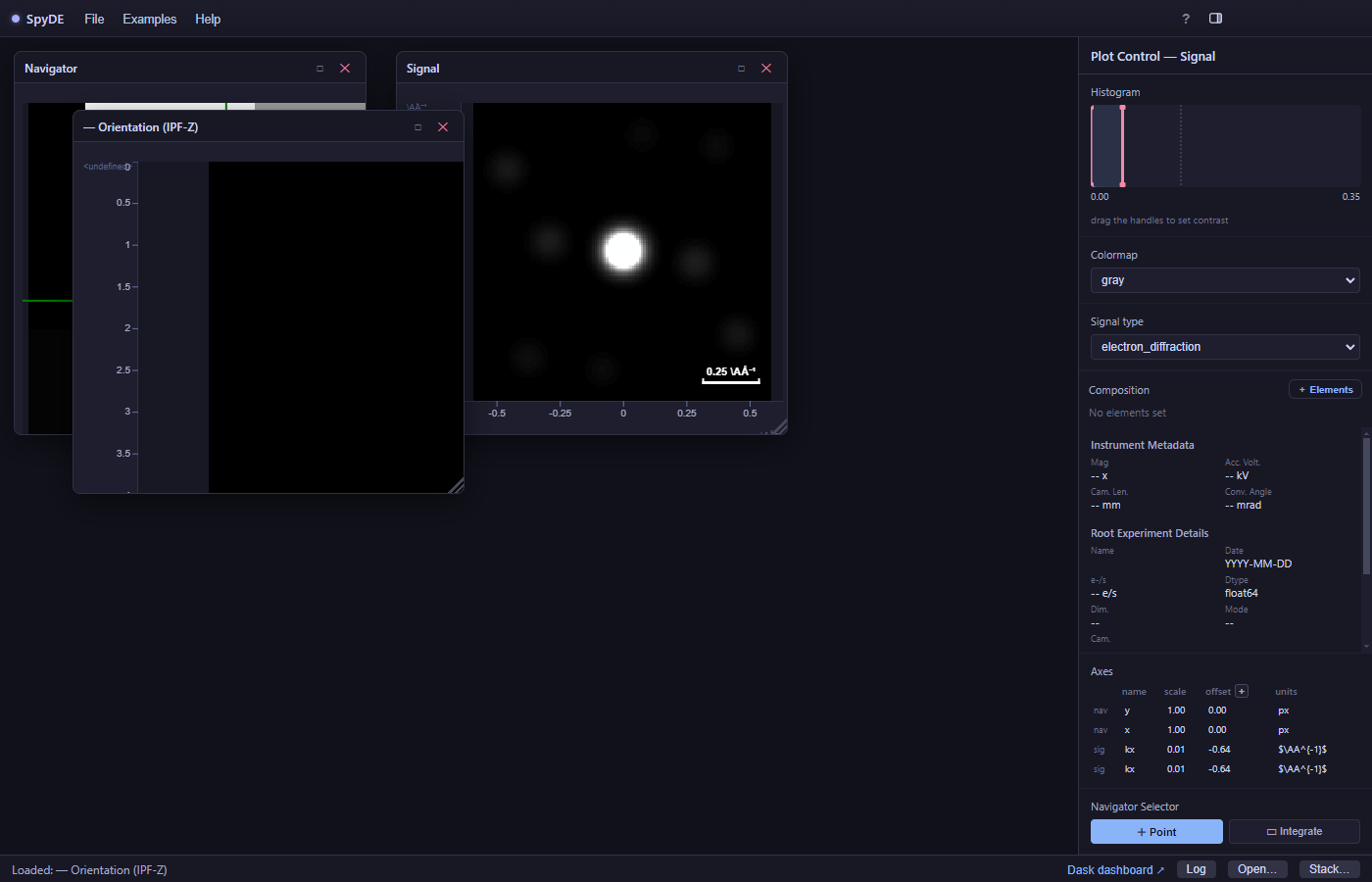
Run the match across the scan and an IPF-Z orientation map window opens, colouring each scan position by its crystal orientation. The fit also attaches a live overlay to the source pattern.
4. The matched template, overlaid live#
The best-fit template’s spots are drawn in green on the diffraction pattern, so you can confirm the indexing visually as you move the navigator. The markers sit exactly on the measured Bragg peaks when the orientation is correct.
More information#
Orientation mapping (template matching / ACOM) assigns a crystal orientation to every scan position. A template library is simulated from a known phase — one pattern per candidate orientation, sampled over the fundamental zone — and each measured pattern is correlated against the whole library; the best-correlating template wins. Adding a second phase to the library turns the same machinery into phase mapping: whichever phase’s templates match best is the phase assigned there.
The result is usually shown as an IPF map, colouring each position by which crystal direction points along a chosen sample axis, with the correlation score as a confidence map beside it. Two things dominate quality: how finely the library samples orientation space, and how well the pattern centre and camera length are calibrated.
Tip
SpyDE builds the library and matches with pyxem, and renders the IPF colouring with orix. For EBSD rather than 4D-STEM, kikuchipy solves the same problem from Kikuchi patterns.
Further reading#
SpyDE wraps pyxem, HyperSpy, eXSpy, kikuchipy and orix; those projects document the underlying methods in far more depth than a walkthrough can.
pyxem — Single-phase orientation mapping
The reference workflow: simulate a library, match it, read the orientation map.
pyxem — Orientation mapping gallery
Also covers multi-phase indexing and the on-zone case.
orix — Visualising orientations
What the IPF colouring means, plus axis-angle / Rodrigues / homochoric views of the same data.
orix — Inverse pole density function
The density (texture) view behind SpyDE’s IPF “PDF” toggle.
kikuchipy — Pattern matching (dictionary indexing)
The EBSD counterpart: dictionary indexing and orientation refinement.